

 Cart is empty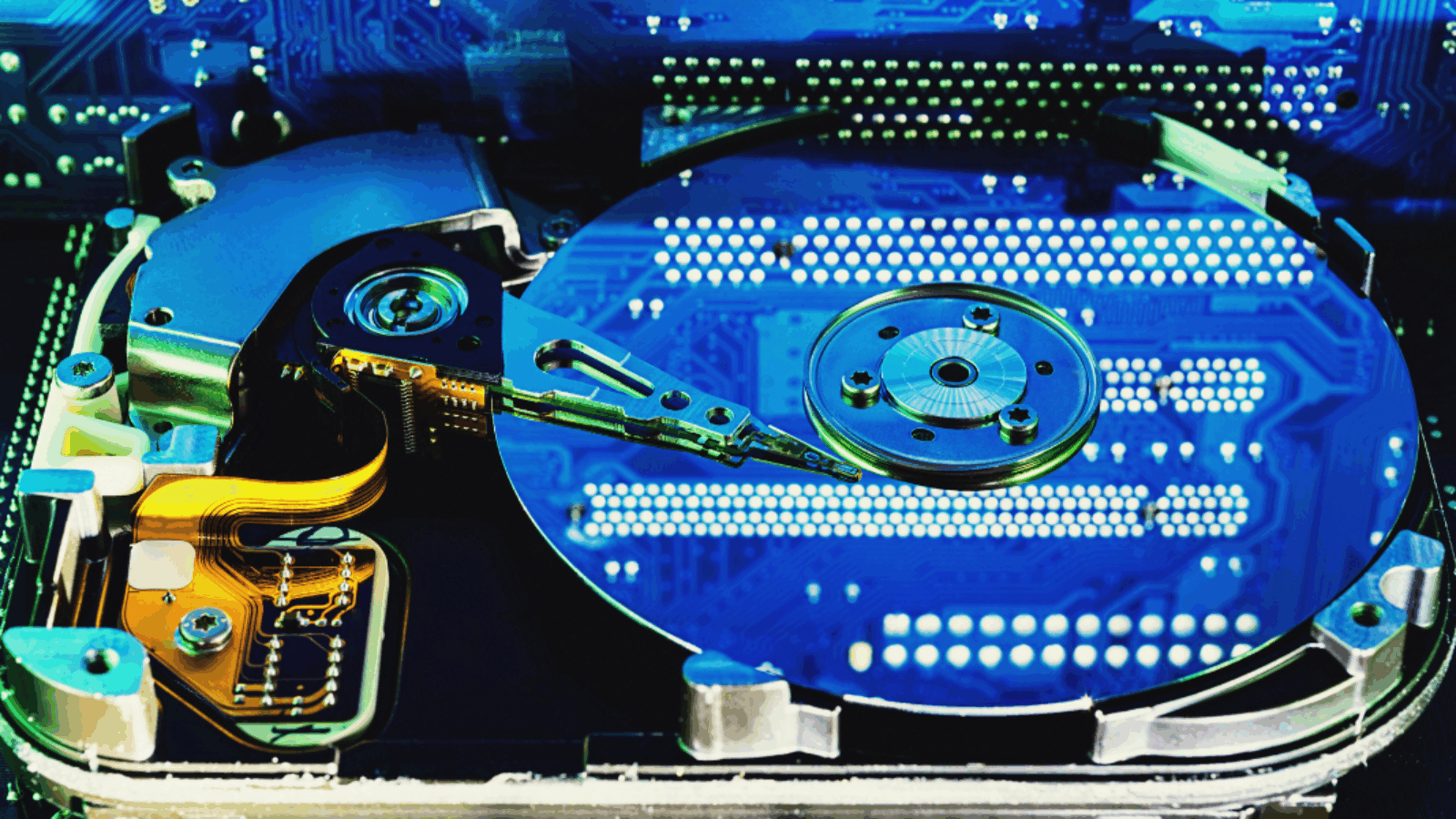
SSD vs HDD: Which Storage Type Is Right for You?
When shopping for a new computer or upgrading your current one, you’ll come across two main types of storage: HDD (Hard Disk Drive) and SSD (Solid-State Drive). Both store your files, programs, and operating system, but they work in very different ways — and the choice you make can dramatically affect your PC’s speed.
Here’s what you need to know before deciding.
1. How They Work
- HDDs are mechanical drives with spinning disks that read and write data using a magnetic head.
- SSDs, on the other hand, use flash memory chips with no moving parts — like a super-fast USB stick.
The result? SSDs are faster, quieter, and more durable.
2. Speed Comparison
This is where SSDs truly shine.
- Boot time: HDD — around 40–60 seconds | SSD — 10 seconds or less
- App loading: HDD — several seconds | SSD — almost instant
- File transfers: SSDs can be 5–10× faster
If performance and responsiveness matter, SSDs are the clear winner.
3. Durability and Noise
Because HDDs rely on moving parts, they’re more prone to damage from drops or vibrations. They also generate noise during operation.
SSDs have no moving parts, making them silent, shock-resistant, and longer-lasting.
4. Capacity and Price
HDDs still offer more storage for less money — great for bulk file storage.
- HDDs: Cheaper, ideal for backups and large files.
- SSDs: Pricier per GB but far faster and more efficient.
Many users choose a hybrid setup: SSD for the operating system and apps, HDD for extra storage.
5. Power Efficiency
SSDs consume less power, which helps laptops last longer on battery and reduces heat buildup in desktops.
Final Verdict
If you value speed, reliability, and efficiency, go for an SSD.
If you need massive storage on a tight budget, an HDD still makes sense.
For the best of both worlds, combine the two — fast SSD for daily tasks, large HDD for everything else.
Leave A Comment